Here are some handy shortcuts and tricks for the Terminal.app to save your time.
- ⌃ + C: Clear line or quit running process (script, server)
- ⌃ + D: Kill the current process
- ⌃ + A: Go to the beginning of line
- ⌃ + E: Go to the end of the line
- ⌃ + L: Alias for
clear. Clears the screen by moving the cursor down. - ⌘ + K: Wipes the screen
- Tab: Autocomplete command for files and folders
Modifier keys: Ctrl ⌃, Command ⌘.
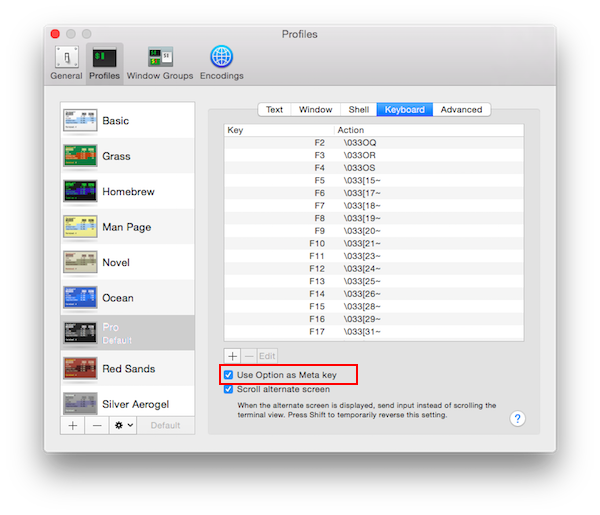
Enable Use Option as Meta key to use the Option key to navigate through words as if you were using a native text input.